Settings
Your account, notifications, Alert destinations, membership and the connection to your AI.
Open Settings from the menu under your name at the foot of the sidebar. The same menu has What's new, Referrals, Connect AI and Send feedback.
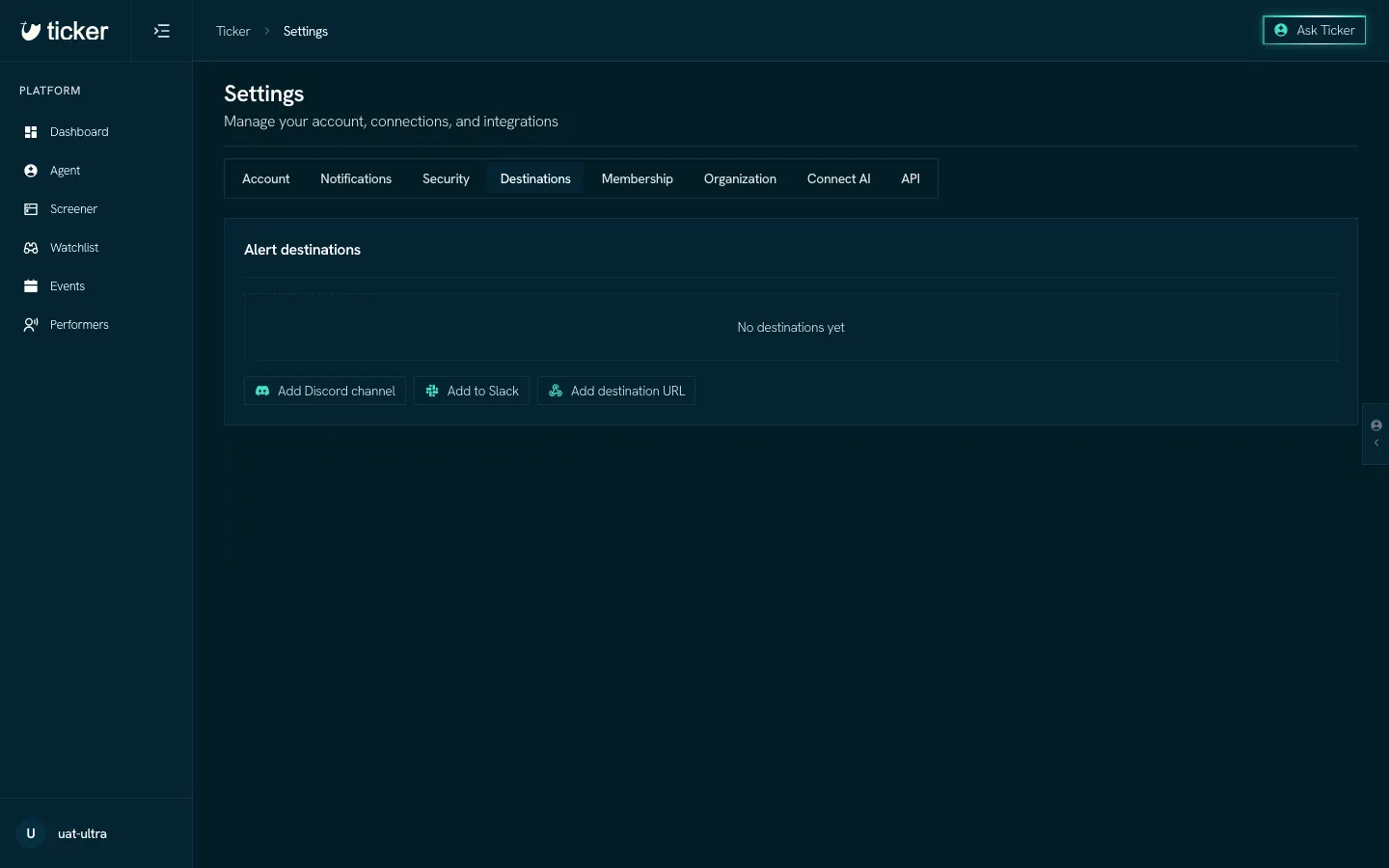
The tabs
- Account: your name, handle and photo, and how times show (12 or 24 hour, your local time or the venue's).
- Notifications: the Alert emails and when they arrive.
- Security: your password, your sessions, the accounts you sign in with and your Discord server role.
- Destinations: where Alerts go besides email.
- Membership: your plan and billing.
- Organization: your team, if you have one.
- Connect AI: connect Ticker to Claude, ChatGPT, Cursor and other assistants. See Connect your AI.
- API: your API keys. See REST API.
Alert destinations
An Alert destination receives your Alerts outside email. On the Destinations tab:
- Add Discord channel posts Alerts to a Discord channel.
- Add to Slack posts Alerts to a Slack channel.
- Add destination URL sends each Alert to a URL you own.
Then choose the destination on a View in your Watchlist.